
ADVERTISEMENT


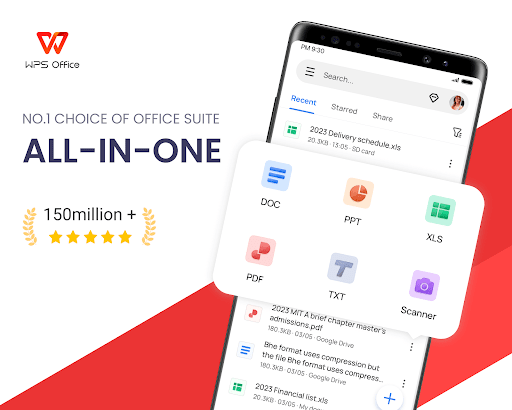
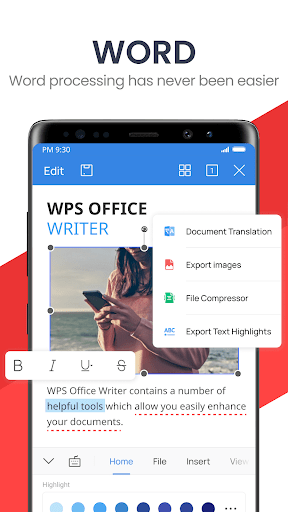
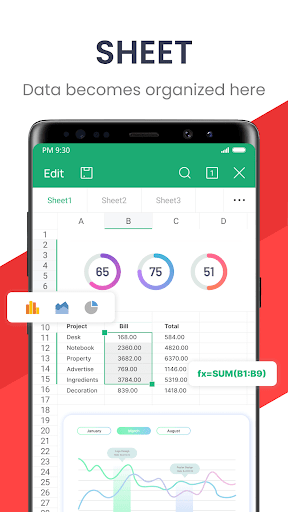
WPS Office is an all-in-one office suite that offers a complete solution for creating, editing, and sharing files on the go. With its powerful features and intuitive interface, WPS Office makes it easy to work with documents, spreadsheets, presentations, and PDFs. Whether you're a student, professional, or business user, this app provides all the tools you need to be productive and efficient.
- Create, edit, and collaborate on files in real-time: WPS Office allows you to easily create and edit documents, spreadsheets, and presentations. You can also collaborate with others in real-time, making it perfect for team projects or group work.
- Scan paper documents to PDF: With the built-in scanning feature, you can quickly convert your paper documents into digital files. This makes it easy to store, share, and access important information on your device.
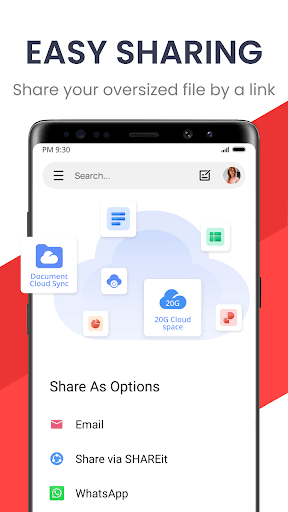
- Easy sharing options: WPS Office offers various ways to share your files. You can share them via WiFi, NFC, DLNA, email, instant messaging, and popular social media platforms like WhatsApp, Telegram, Facebook, and Twitter.
- Watermarking in PDF: Protect your PDF files by easily adding or deleting watermarks. This feature ensures the security and integrity of your documents.
- Cloud storage: WPS Office provides 1GB of free cloud storage, allowing you to store your files securely and access them from any device. You can also edit and share your files online, making collaboration a breeze.
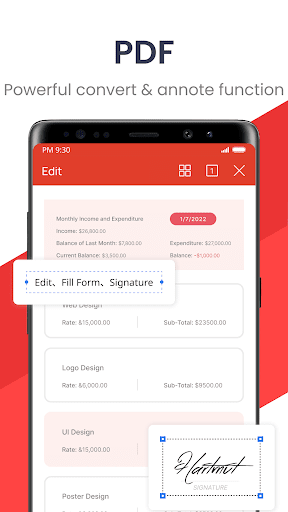
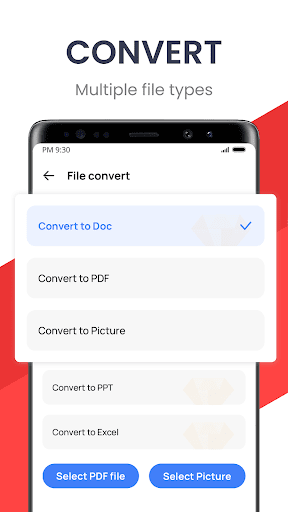
- PDF functionalities: Along with being a powerful office suite, WPS Office also offers a free PDF reader that lets you open, view, share, and comment on PDFs. You can annotate, sign, extract, split, and merge PDFs as well.
- Compatibility: WPS Office is compatible with various office software, including MS Office and Google office apps. It ensures seamless integration and easy file exchange between different platforms.
1. Can I save my documents to third-party cloud storage?
Yes, WPS Office allows you to save your documents to popular cloud storage services like Dropbox, Google Drive, Box, Evernote, and OneDrive.
2. Is WPS Office available for Android devices?
Yes, you can access all the features and functionalities of WPS Office on your Android device. It offers a powerful office suite experience on mobile.
3. Can I work remotely using WPS Office on my Android device?
Absolutely! WPS Office provides solutions for remote work on Android devices, allowing you to access, edit, and share your office documents from anywhere.
WPS Office is a comprehensive office suite that offers a wide range of features for creating, editing, and sharing files. From powerful document processing tools to convenient PDF management capabilities, this app has it all. With its compatibility with other office software and extensive cloud storage options, WPS Office ensures seamless integration and easy accessibility. Whether you're a student, professional, or business user, WPS Office is the perfect app to boost your productivity and streamline your work processes.
ADVERTISEMENT



Productivity

Productivity

Productivity

Productivity

Productivity

Productivity

Productivity

Productivity

Productivity

Productivity

Productivity

Productivity

Productivity

Productivity

Productivity

Productivity

Productivity

Productivity

Productivity

Productivity

Productivity

Productivity

Productivity

Productivity

Communication

Social

Social

Shopping

Action

Communication

Entertainment

Social

Video Players & Editors

Entertainment


